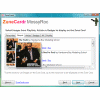
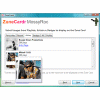
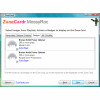
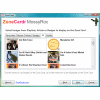
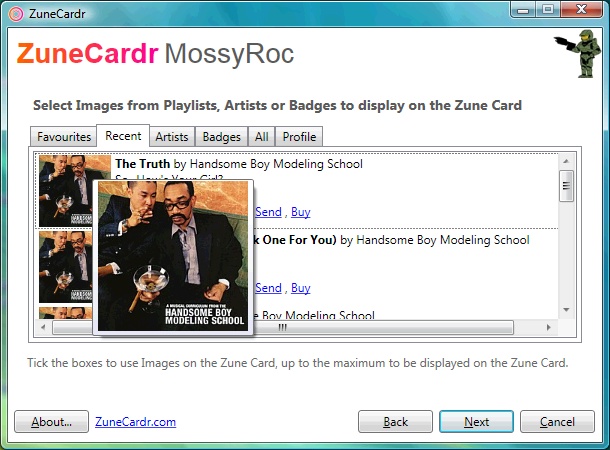
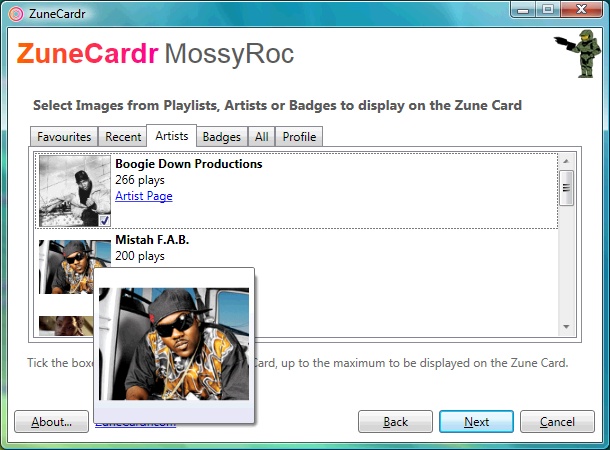
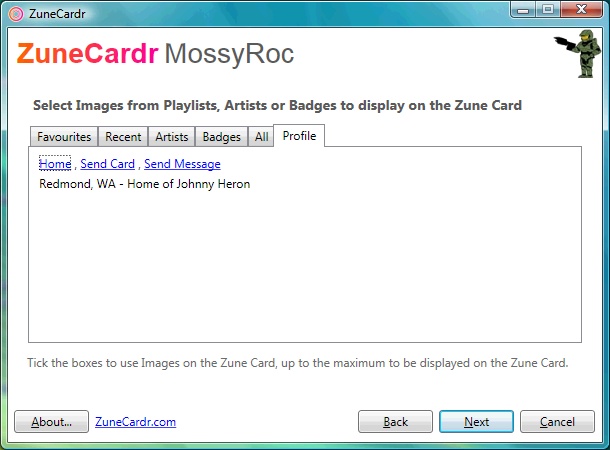
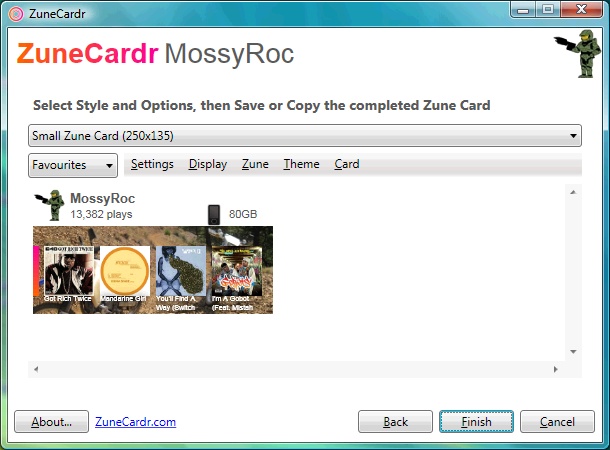
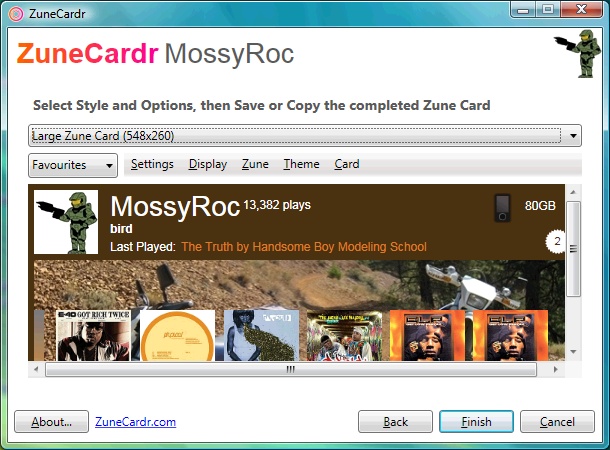
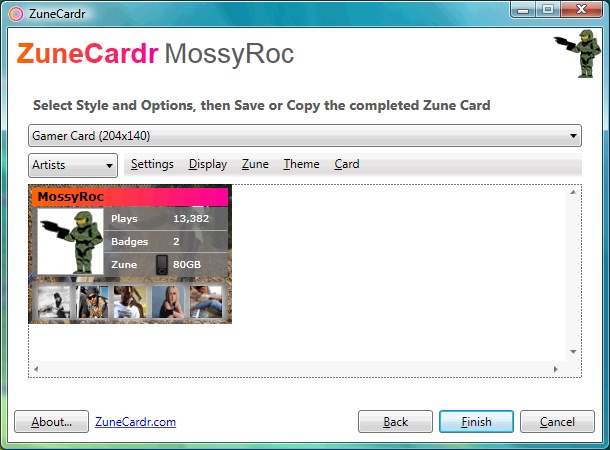
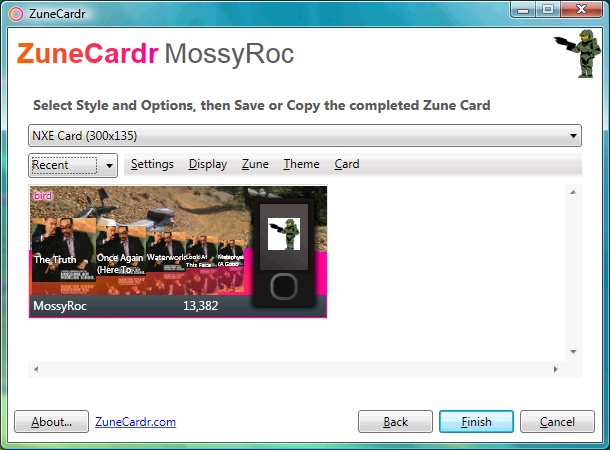
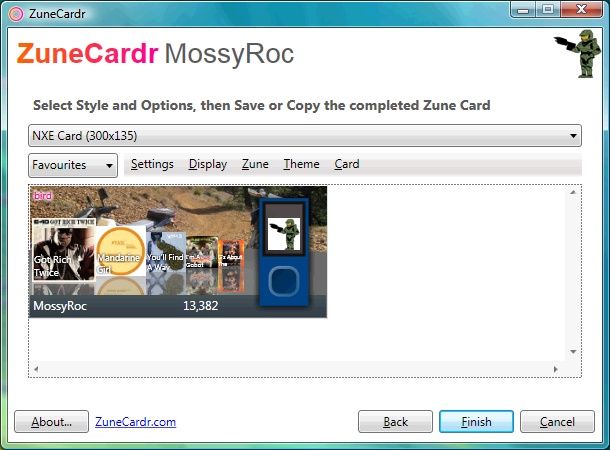
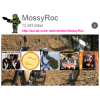
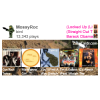
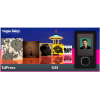
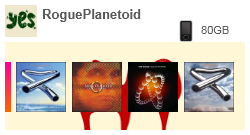
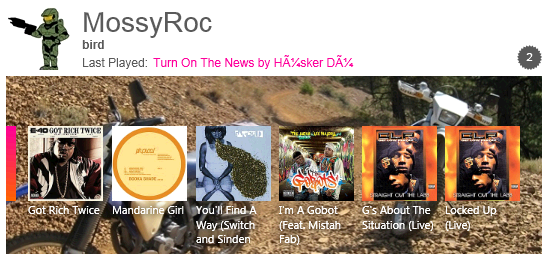
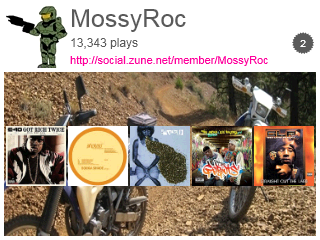
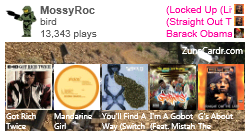
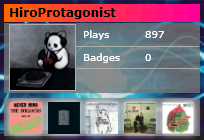
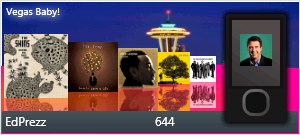
ZuneCardr allows you to see Zune Card information like never before, browser Favourites, Recent Plays plus Artists, discover new music and also link directly to the Artist Home page or even a weblink to the Zune Marketplace to Buy or Play! Export the Zune Card as an image including Small, Large sizes and a Zune Card for your Zune, plus other styles available like an "Xbox 360" style Zune Card for your website or blog.
-
 DetailsDeveloper : Comentsys
Release Date : 24th February 2009
Version: 3.0.0.0
Price : Free
Official Website
- Screenshots
-
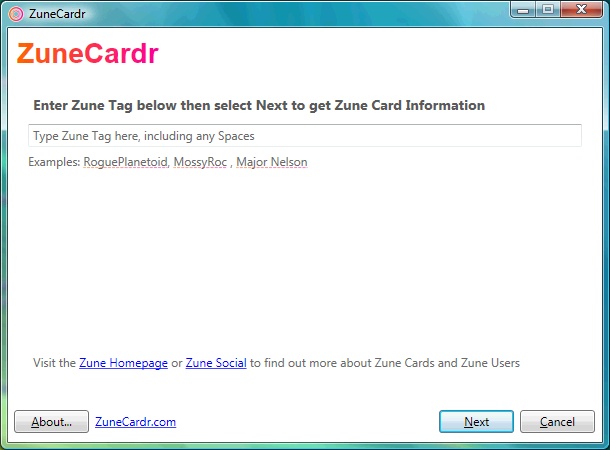
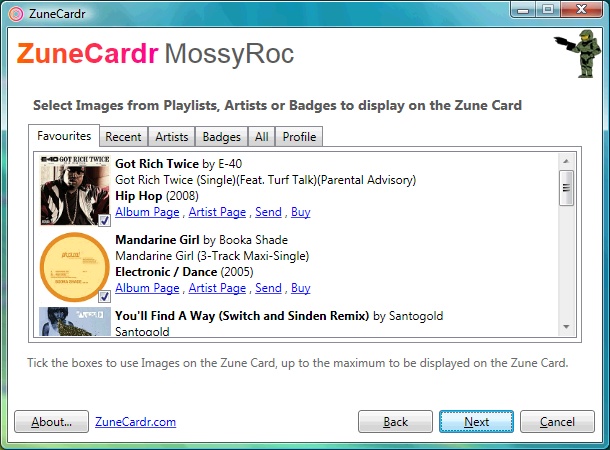
- Gallery
-



- Features
-
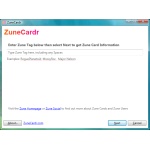
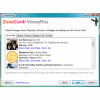
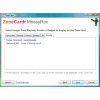
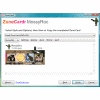
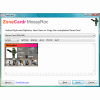
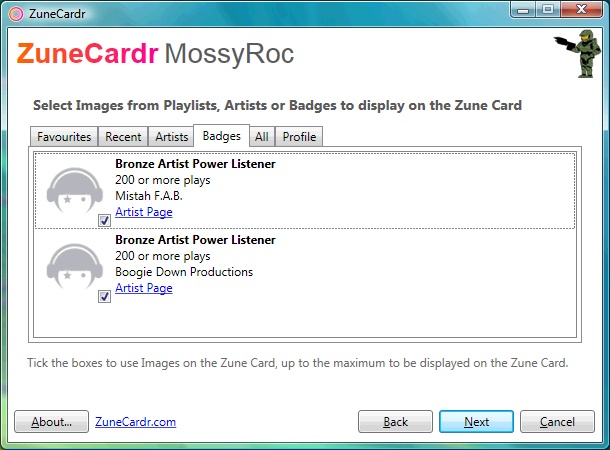
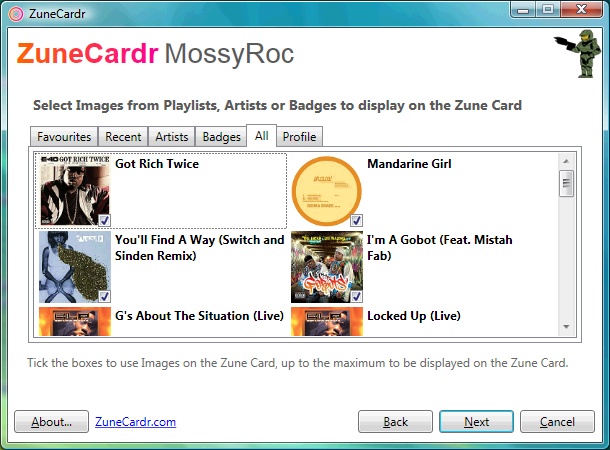
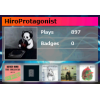
Discover - Enter a Zune Tag and view someones Favourite and Recent Plays plus the Artists they listen to and the Badges they have earned, plus visit the Artist or Album information page online via Zune Social.
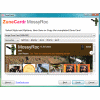
Create - You can create a Zune Card image using the Styles available and create the Zune Card you want from your own or someone elses Zune Tag, with various customisation options to make it your own!
Share - Save the Zune Card in one of many image formats supported including JPEG, PNG and Bitmap formats which you can then upload to your Blog, Website, Social Network, Forum or Image sharing website and let others see your Zune Card! With the many styles and themes, you will find the one you want to Share!
Customise - You can save the settings you apply to Zune Card so you can apply your own Theme to the Card you want from the various options available, plus only show the Artists, Albums you want shown, maybe you want to show off your Badges, it is up to you.