ZuneCardr intouch allows you to put Appointments and Contacts on the Zune, quickly and easily. Import Appointments from iCalendar/vCalendar Files and Contacts from vCard files from software such as Windows Mail, Outlook and more!
- Screenshots
-
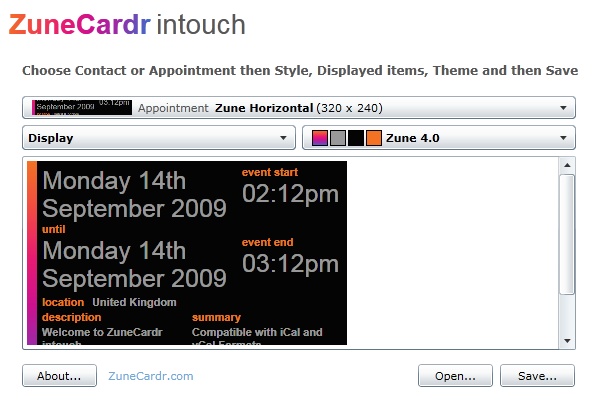
- Gallery
-
- Features
-
Share your contacts on the move with Zune - Create a Contact card that you can put on your Zune from any of your email contacts exported as a vCard, plus once synced to your Zune you can share the card with other Zune owners using the Wireless Send feature, handy as an unlimited supply of business cards!
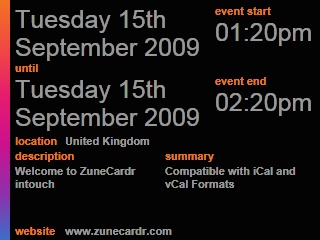
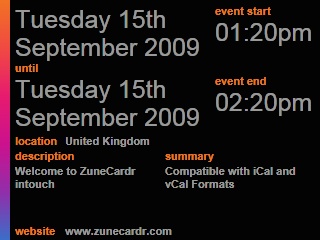
Remember that important appointment on Zune - Have an appointment? Export an iCalendar of this from your calendar/appointments software and use to create an Appointment Card to put on your Zune using the sync option in the Zune Software, plus you can share your Appointment Card with others for that special or group event.
Appointments & Contacts - Just export your Contacts or Appointments from your Favourite e-mail or Calendar application in vCard for Contacts, or iCalendar/vCalendar for Appointments, to use with Zunecardr intouch!