Welcome to the Tutorials section where you can find Visual Basic tutorials
- Categories
-
Visual Basic 2008 Express Edition
Visual Basic 2005 Express Edition
Visual Basic.NET
Visual Basic 6
Tutorial Help
Tutorial Usage
- Visual Basic 2008 Express Edition
-
 Visual Basic 2008 Express Edition is ideal for first time or casual Windows programming supporting WFP and XAML as well as normal Windows applications. If you don't have it yet then download it using the link below.
Plus all the Visual Basic 2005 Express Edition Tutorials will work with Visual Basic 2008 Express Edition!
Visual Basic 2008 Express Edition is ideal for first time or casual Windows programming supporting WFP and XAML as well as normal Windows applications. If you don't have it yet then download it using the link below.
Plus all the Visual Basic 2005 Express Edition Tutorials will work with Visual Basic 2008 Express Edition!
Download
 Beginner
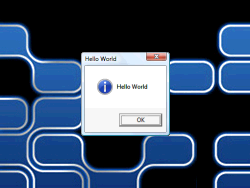
Classic "Hello World" Example using XAML (Windows Presentation Foundation) Task Tray NewIntermediate
Learn how to place a popup menu in the Task or Notification Tray next to the clock on the task bar.
Suggested by "the Tom clone" on CESPage.com Blog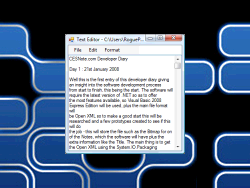 Text Editor (Part One) UpdatedBeginner
Text Editing application with New, Open and Save also Edit and Format features such as Cut, Copy and Paste plus Keyboard Shortcuts for the Menus.
Foreground / Background Colours feature suggested by yannick on CESPage.com BlogText Editor (Part Two) UpdatedAdvanced
Adding Standard Find & Replace Dialog and Functionality to the Text Editor!
Suggested by Lee on CESPage.com Blog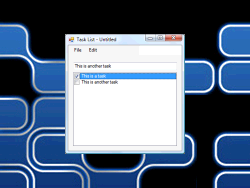 Intermediate
Create an XML-based Task List application with Open, Save plus Cut, Copy, Paste, Add and Remove Items features!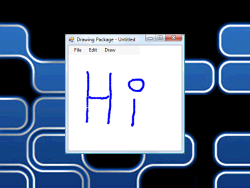 Intermediate
Learn how to create a Drawing Package that can Open and Save Files, with Draw Width and Colour Support!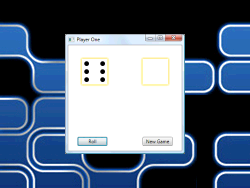 Intermediate
Create a simple dice rolling game using WPF / XAML (Windows Presentation Foundation).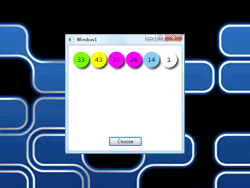 Beginner
Choose your lottery numbers with this program, ball colours match the UK Lottery. Uses WPF / XAML (Windows Presentation Foundation). Intermediate
Noughts and Crosses or Tic-Tac-Toe a simple game with Winner and Draw detection. Uses WPF / XAML (Windows Presentation Foundation).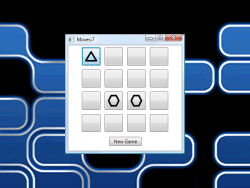 Intermediate
Simple Memory Game with Random Cards, uses Arrays, ArrayLists, Buttons and Drawing with WPF / XAML (Windows Presentation Foundation).
Suggested by John on CESPage.com Blog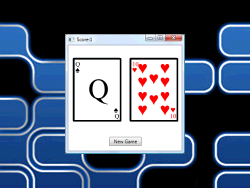 Intermediate
Simple Playing Cards based Game uses ArrayLists, Buttons and Drawing with WPF / XAML (Windows Presentation Foundation).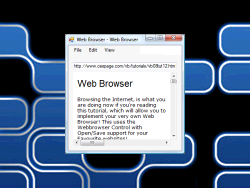 Intermediate
Web Browser based on the WebBrowser control plus TextBoxes and URL File Support.
Suggested by yannick on CESPage.com Blog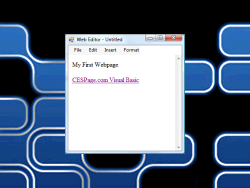 Intermediate
Web Editor based on the WebBrowser and mshtml Components with Open/Save Support and more.
Based on a suggestion by sim642 on CESPage.com Blog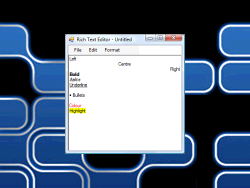 Intermediate
Rich Text Editor with Printing and Formatting support plus Open/Save and more.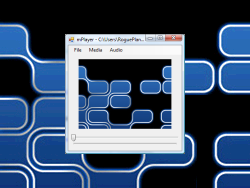 Advanced
Video and Audio Media Player
Suggested by yannick on CESPage.com Blog
Based on APIVideo by "SpaceMonkey"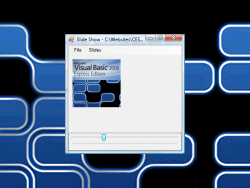
 Intermediate
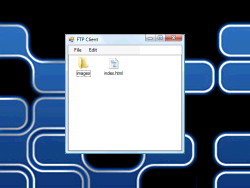
Upload & Download Files using this FTP Client
Suggested by the Tom clone on CESPage.com Blog
Based on "An FTP client library for .NET 2.0" by Howard Richards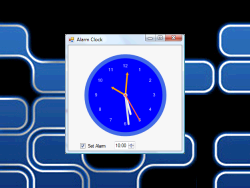 Intermediate
Time-based Alerts with an Analogue Clock interface
Based on "Yet Another Analog Clock" by Obaid ur Rehman
Suggested by yannick on CESPage.com Blog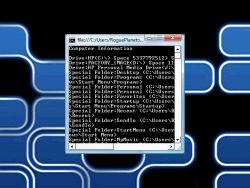 Beginner
Build a Console-based Application for the Console on Windows that displays PC information
Suggested by yannick on CESPage.com Blog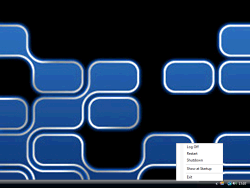 Beginner
Task-tray based application that loads on Windows Start, to allow it to be Shutdown, Restarted or just Log Off!
Suggested by yannick & SAIFI on CESPage.com Blog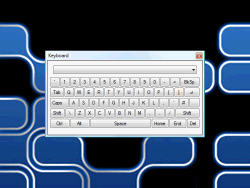 Intermediate
Create an On-Screen Keyboard that can type into any application!
Windows Listing and Focus based on work by Senthil Kumar
Suggested by yannick on CESPage.com Blog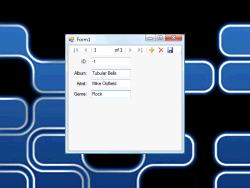 Beginner
Learn how to View, Update and Add information to a Database
Suggested by muthu on CESPage.com Blog
Note: 32-bit Only
- Visual Basic 2005 Express Edition
-
 Visual Basic 2005 Express Edition allows you to create applications and more, for free the tutorials available here show you how,
if you don't yet have it, you can download it using the link below.
Visual Basic 2005 Express Edition allows you to create applications and more, for free the tutorials available here show you how,
if you don't yet have it, you can download it using the link below.
Download
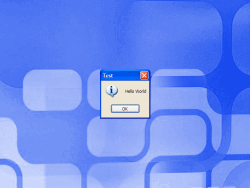 Beginner
The Classic "Hello World" Example.Beginner
Continuing the "Hello World" example. Intermediate
Learn how to place a popup menu in the Task or Notification Tray next to the clock on the task bar.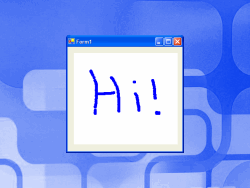 Beginner
Basic drawing example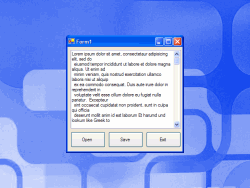 Beginner
Learn how to create a Text Editor that can Open and Save Files!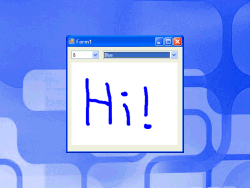 Beginner
Basic line drawing application with draw width and colour support - improved version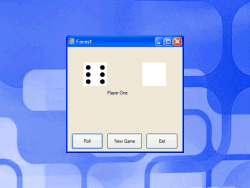 Intermediate
Create a simple dice rolling game using Picture Boxes.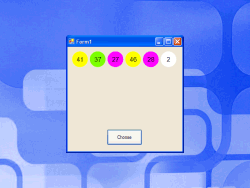 Intermediate
Write this program and you can choose your lottery numbers with it. Ball colours match the UK Lottery ones.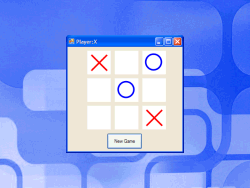 Intermediate
Noughts and Crosses or Tic-Tac-Toe a simple game with drawing, arrays with Winner and Draw detection
- Visual Basic.NET
-
 Visual Basic.NET is the first environment allowing .NET applications to be created using Visual Basic,
the tutorials apply to Visual Basic.NET 2002 and 2003 versions.
Visual Basic.NET is the first environment allowing .NET applications to be created using Visual Basic,
the tutorials apply to Visual Basic.NET 2002 and 2003 versions.
 Beginner
The Classic "Hello World" Example.Beginner
Continuing the "Hello World" example. Intermediate
Learn how to place a popup menu in the Task or Notification Tray next to the clock on the task bar.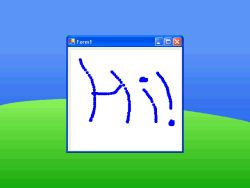 Beginner
Basic drawing example Beginner
Learn how to create a Text Editor that can Open and Save Files!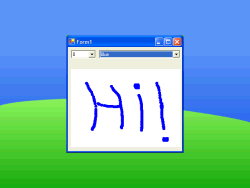 Beginner
Basic line drawing application with draw width and colour support - improved version Intermediate
Create a simple dice rolling game using Picture Boxes.
- Visual Basic 6
-
 Visual Basic 6 or Classic VB as it is also known, is the pre-.NET era Visual Basic, you can find some tutorials for this version of Visual Basic here.
 Beginner
The Classic "Hello World" Example.Beginner
Continuing the "Hello World" example. Intermediate
Learn how to place a popup menu in the Task or Notification Tray next to the clock on the task bar.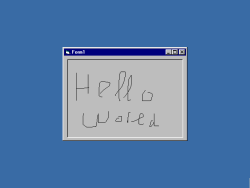 Beginner
Basic line drawing application with draw width and colour support. Beginner
Learn how to create a Text Editor that can Open and Save Files!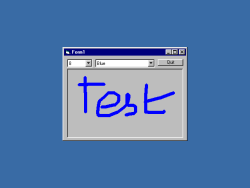 Beginner
Basic line drawing application with draw width and colour support. Intermediate
Create a simple dice rolling game using Picture Boxes.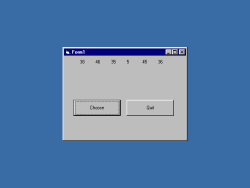 Intermediate
Write this program and you can choose your lottery numbers with it! (supports UK lottery)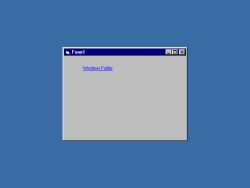 Advanced
Create an ActiveX Control with this Tutorial!
- Tutorial Help
-
In the Tutorials wherever Click is used, this means to move the mouse cursor or arrow over the object to be "clicked" on then use the Left Mouse button, right click is the Right Mouse button instead.
To Stop a Project, if it won't End automatically, click on the Blue Box buttom, like a Stereo's Stop Button, and Click on this button, to run a project, click the "Play" or Run Button.
When a Project File, or Source Code File has been downloaded, open it in your unzip application, and unzip it to a folder, for example in a folder under My Documents like Tutorials, this can be done using the right click option and extract (Windows 98 or later) or a third-party .ZIP compatible application - just search on the internet for one if you cannot open .ZIP files.
Using Windows Explorer or Windows Run go to the folder you "extracted" the tutorial and then open the HTML or VBP file contained within this folder, it is recommened that you keep each tutorial in its own folder such as Hello World or Tutorial1 etc.
- Tutorial Usage
-
Many hours of work goes into creating these tutorials, which are available to view here or to download free of charge. They are free to use for any reason, however they may not be sold nor can any charge be made for them except for costs such as printing etc.
These tutorials are provided here to help everyone, if you want to post them elsewhere please link back to the tutorial or this website or give credit.